There’s a strange thing that can happen with a fast computer. Halfway through a long job, it slows down.
Nothing broke. The machine is doing exactly what it was built to do, and the name for it is thermal throttling. It’s worth understanding, because it’s why two machines with nearly identical spec sheets can perform completely differently once you actually put them to work, and why the faster-looking one is sometimes the slower one.
Here’s the whole idea in one line: every chip has a temperature it’s not allowed to cross, and when it gets close, it slows itself down on purpose to avoid cooking itself. That’s it. When your processor or graphics card nears its limit, it quietly drops its clock speed, eases back its voltage, and produces less heat as a result.
It’s a trade the chip makes for you, every time, without asking.
It would rather be slow than dead.
The part that trips people up is when this kicks in. It’s almost never during the quick stuff. A chip only starts throttling once enough heat has piled up to push it to its ceiling, and short tasks never get there:
Short tasks (opening an app, loading into a game, running a 30-second benchmark) finish before real heat builds, so the chip runs flat out and posts its best numbers.
Long tasks (an hour-long render, a video export, a training job, a full evening of a demanding game) run long enough that heat keeps stacking up until the chip hits its limit and has to back off.
So the number a machine hits for a few seconds and the number it can actually hold for an hour are two completely different things. Only one of them shows up in a quick test, and it’s not the one that finishes your work.
It’s also worth knowing that a throttling chip doesn’t just drop to a lower speed and sit there. It sawtooths — speeds up, heats up, hits the ceiling, slows down, cools a little, climbs again — over and over for the whole job. From your seat that feels like a render running long for no reason, or frame rates that dip and recover on their own. The hardware’s fine. It’s just spending the entire task arguing with its own temperature.
Now the counterintuitive bit. Picture two machines on the same hour-long job:
Machine A boosts to a higher peak clock, but its cooling can’t keep up. A minute in, it’s bouncing off its limit and settling into that sawtooth, averaging out lower for the rest of the run.
Machine B boosts a little lower, but its cooling actually keeps up. It never reaches the ceiling, so it just holds its clock, flat, for the full hour.
Machine A wins the first thirty seconds. Machine B finishes first. Over anything that takes real time, the speed you can sustain beats the speed you can touch, and it’s not close.
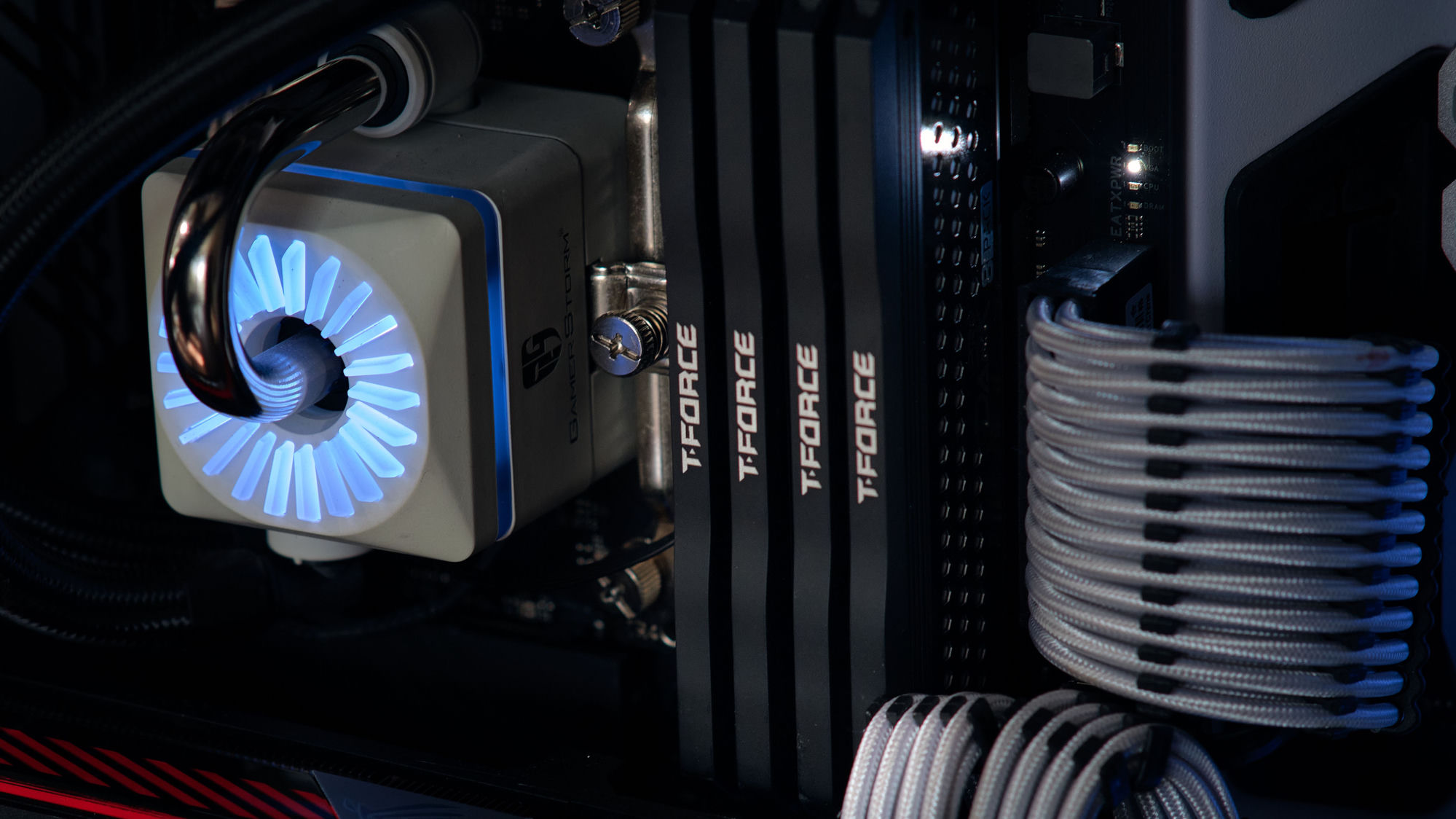
Which is the quiet reason cooling matters as much as the parts you’re cooling. Better cooling doesn’t just make a machine quieter, it makes it faster on any job that lasts, because it keeps the chip from ever hitting the wall that forces it to slow down. Two computers, same exact CPU and card, and the one that moves heat away better is simply the faster one once the work gets long. The spec sheet won’t tell you that. The work will.
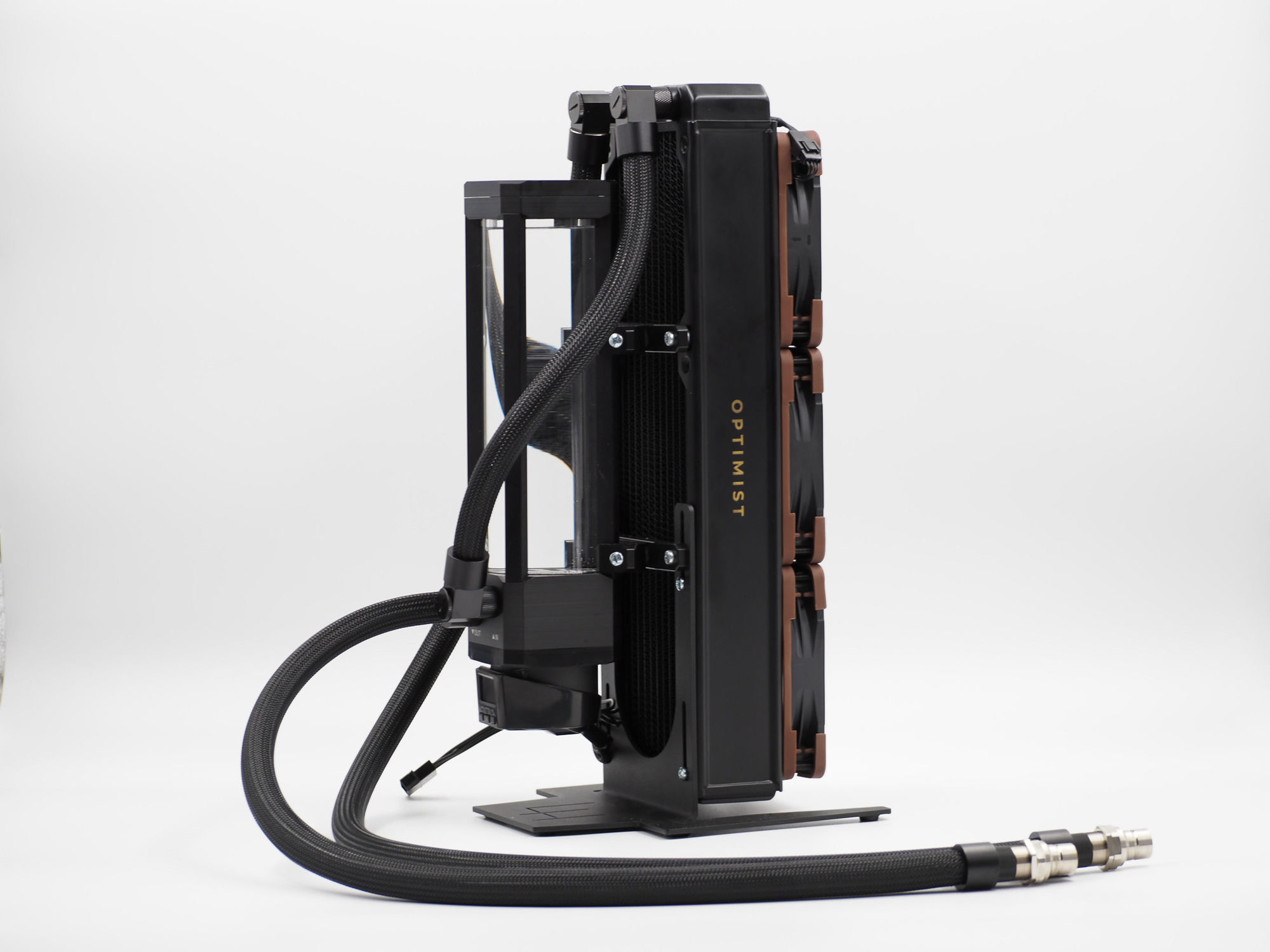
So next time you’re weighing two machines and one shows a slightly higher peak number, ask the harder question: not how fast it goes, but how long it can stay there. That’s the number that gets your work done. Remember this the next time a spec sheet brags about a peak and goes quiet about the hold.